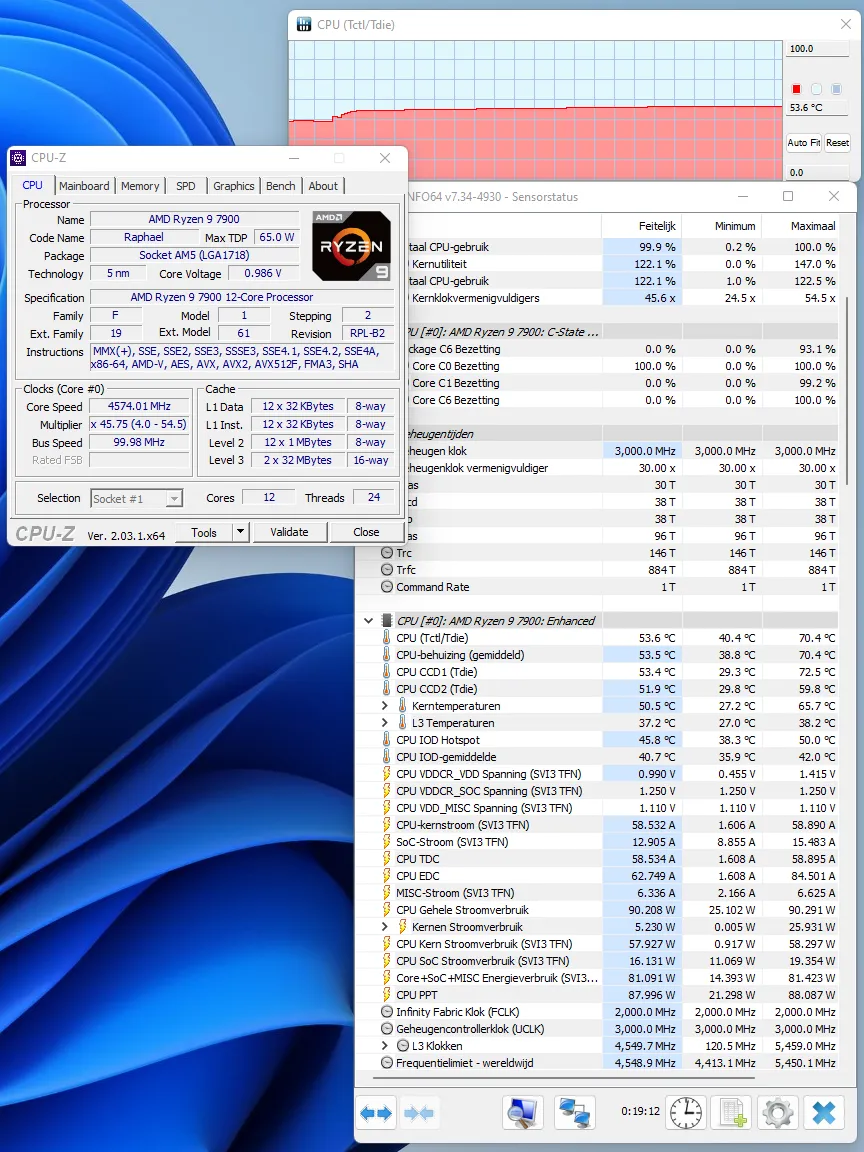

Download HWiNFO64 - a System Information and Diagnostics Tool. HWInfo64 is an application that monitors your PC's components and outs computer information about your the operating system, storage capacity, and RAM. It also displays more technical data, such as the number of logical CPUs, memory speed, and temperatures. HWiNFO is a professional hardware information and diagnostic tools supporting latest components, industry technologies, and standards. Both tools are targeted to recognize and extract the most possible amount of information about computer's hardware which makes them suitable for users searching for driver updates, computer manufacturers, system integrators and technical experts too. HWiNFO 8.54 is available from Realix with changes to sensor presentation, hardware detection, and platform support. The Windows utility provides information about installed PC components and monitors readings from sensors on motherboards, graphics cards, and storage devices. It also includes basic performance tests for processors, memory, and drives. Several additions in this release expand the data users can view or record. The OSD can show multiple readings on a single line, while RTSS sensor titles can identify the process being monitored. The software now reports NVMe power states supported by a drive, Dolby Vision support, and fan duty for Thermal Grizzly’s WireView Pro II. JSON sensor logs can also include user-added notes. The release resolves several device and reporting issues. Realix fixed support for the NZXT Kraken Elite V2 and corrected negative temperature readings reported for NVIDIA GPU memory chips. PCH power reporting has been fixed for Intel Panther Lake and later processors, while sensor monitoring has been enhanced for ASUS X870 MAX motherboards. HWiNFO 8.54 also improves Nova Lake QS support and corrects SA VID reporting. A workaround addresses an NVML crash that may occur while updating a GPU driver. Other fixes cover moving sensor items down in a list, custom user sensors stored in an HKLM path, and PCIe extended-space access on legacy Windows XP systems. Reports remain available in text, CSV, and XML formats. The separate Pro edition supports commercial environments and command-line data collection. HWiNFO also released version 8.55 beta build 6115 on November 4, 2026. The Windows hardware-monitoring utility can now display GPU hot spot temperatures on AMD Polaris graphics cards, giving owners a reading for the hottest point reported on the GPU. Build 6115 also adds temperature monitoring for the AMD B650 chipset when it is installed on an expansion card. The preceding beta, build 6110 from October 26, fixed detection of the chipset in that configuration. With build 6115, HWiNFO can both identify the chipset and report its temperature. The third addition is temperature and status monitoring for Sapphire PhantomLink. These are the three changes since build 6110. The ARM64 automatic-update fix and NVIDIA GPU board identification also appear in the cumulative 8.55 release notes, but both were already available in the earlier beta. The developer lists no known issues specific to build 6115. Change Info: Changes in HWiNFO version 8.54: Added reporting of monitored process name to RTSS sensor title. Added workaround for NVML crash during GPU driver update. Fixed NZXT Kraken Elite V2 support. Fixed reporting of negative temperatures for NVIDIA GPU memory chips. Added ability to show multiple values on one line in OSD. Fixed reporting of PCH power on Intel Panther Lake and later. Added reporting of Fan Duty for Thermal Grizzly WireView Pro II. Added options to insert notes into json sensor log. Improved Nova Lake QS support and fixed SA VID reporting. Enhanced sensor monitoring on ASUS X870 MAX series. Fixed a bug in moving sensor item down in the list. Added reporting of NVMe power states supported. Added reporting of Dolby Vision Support. Fixed custom user sensor in HKLM path. Fixed access to PCIe extended space on legacy systems (XP).
